AI-powered E2E tests.
Written for you.
Specwright explores your app, writes production-grade BDD tests, and self-heals failures — all running locally inside Claude Code.
10
Phases
8
Agents
7
Skills
Gherkin
BDD format
MIT
License
Three interfaces
One pipeline, your choice of UI
Same 10-phase AI pipeline. Install as a CLI plugin, run as a desktop app, or invoke via MCP tools in Claude Desktop.
Plugin + CLI
For developers & CI
- ✓npx install into project
- ✓Claude Code CLI
- ✓CI/CD ready
- ✓Full control
Best for: terminal users & CI
Desktop App
Electron GUI
- ✓Visual phase display
- ✓Live agent output
- ✓Auth config UI
- ✓One-click run
Best for: team demos & reviews
Claude Desktop
MCP Tools
- ✓9 MCP tools
- ✓Natural language
- ✓e2e-desktop-automate skill
- ✓Chat-native flow
Best for: Claude Desktop users
Desktop App
See it in action
The Specwright Desktop app gives you a visual window into every phase of the pipeline.
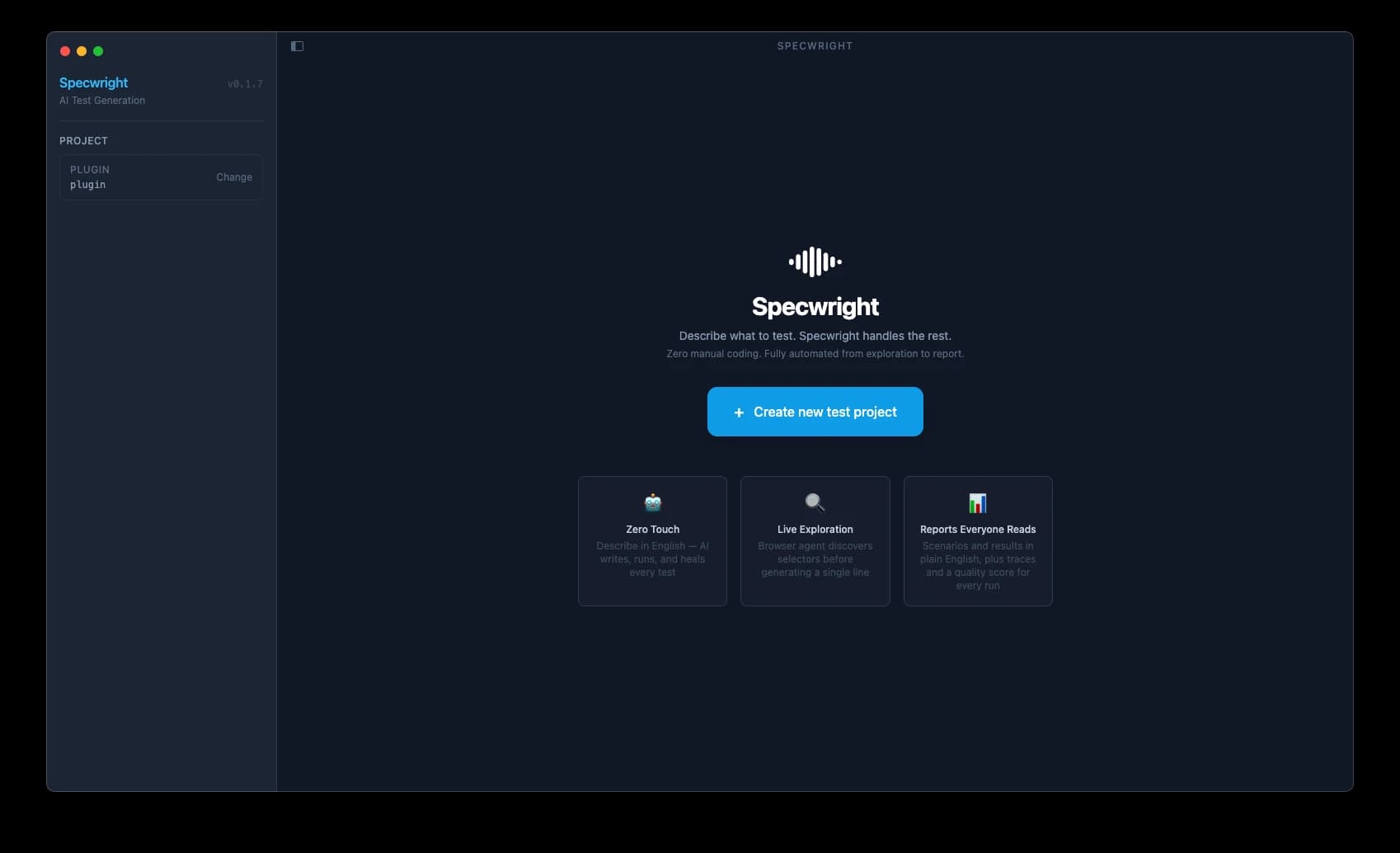
Welcome
Open a project and Specwright is ready — zero configuration beyond your app URL and credentials.
The pipeline
10 phases. Fully automated.
From a plain text description to running BDD tests — one command drives it all. Click any phase to explore what it does.
P1
Config
P2
Validate
P3
Plan
P4
Explore
P5
Seed
P6
Approve
P7
Generate
P8
Execute
P9
Heal
P10
Review
Phase 1: Config
Read instructions.js
Phase 2: Validate
Validate inputs
Phase 3: Plan
Extract test plan
Phase 4: Explore
Browser exploration
Phase 5: Seed
Generate seed tests
Phase 6: Approve
Human review gate
Phase 7: Generate
BDD feature + steps
Phase 8: Execute
Run playwright tests
Phase 9: Heal
Auto-fix failures
Phase 10: Review
Quality score report
Real output
What Specwright generates
Production-grade Gherkin feature files and type-safe step definitions. 100% real output — not fabricated examples.
@Lists @ListWorkflow
Feature: List Management Workflow

  @cross-feature-data
  Scenario: Create a named list
    Given I am authenticated
    And I navigate to the "Lists" page
    When I fill the create list form with:
      | Field       | Value           | Type |
      | Name        | <gen_test_data> | Fill |
      | Description | <gen_test_data> | Fill |
    And I click the "Create List" button
    Then the list card appears with the correct name
    And I save "listName" as predata under "listworkflow"

  Scenario: Delete a list
    Given I load predata from "listworkflow"
    When I click the delete icon on the list card
    And I confirm the deletion dialog
Then the list card is no longer visibleimport { createBdd } from "playwright-bdd";
import { test, expect } from "../../../playwright/fixtures.js";
import {
FIELD_TYPES,
processDataTable,
} from "../../../utils/stepHelpers.js";
const { Given, When, Then } = createBdd(test);
When(
"I fill the create list form with:",
async ({ page }, dataTable) => {
await processDataTable(page, dataTable, {
fieldConfig: {
Name: { type: FIELD_TYPES.FILL, testID: "list-name-input" },
Description: { type: FIELD_TYPES.FILL, testID: "list-desc-input" },
},
});
}
);
Then(
"the list card appears with the correct name",
async ({ page, testData }) => {
const name = testData.get("Name");
await expect(
page.getByTestId("list-card").filter({ hasText: name })
).toBeVisible();
}
);Generated by Specwright from a plain English test instruction · No manual writing required
Quality scoring
Every run is graded
Phase-by-phase quality scoring with actionable feedback. Know exactly what to fix before shipping.
Quality Score
PRODUCTION READY — issues auto-resolved
Why Specwright
More than a code generator
| Feature | Specwright this project | Playwright Codegen | SaaS Tools |
|---|---|---|---|
| BDD / Gherkin output | ✅ | ❌ | ⚠️ partial |
| 100% Local (no cloud) | ✅ | ✅ | ❌ |
| 10-phase AI pipeline | ✅ | ❌ | Limited |
| Self-healing (3× auto) | ✅ | ❌ | ✅ SaaS |
| Open Source (MIT) | ✅ | ✅ | ❌ |
| Workflow cross-phase | ✅ | ❌ | ⚠️ |
| Quality score report | ✅ | ❌ | Some |
| Extensible via plugins | ✅ | ❌ | ⚠️ limited |
| Customizable framework | ✅ | ❌ | ⚠️ limited |
| Reports (Module/Workflows) | ✅ | ❌ | ⚠️ |
| Screenshots, traces & videos | ✅ | ✅ | ✅ |
| Cost | Free | Free | $$$+/mo |
Quick start
Up and running in minutes
Install the plugin into your project
npx @specwright/plugin initScaffolds e2e-tests/, playwright.config.ts, agents, skills
Configure credentials
# e2e-tests/.env.testing
AUTH_STRATEGY=email-password
TEST_USER_EMAIL=you@example.com
TEST_USER_PASSWORD=yourpasswordDescribe your first test
// e2e-tests/instructions.js
export default [
  {
    moduleName: '@LoginPage',
    category: '@Modules',
    fileName: 'login',
    pageURL: 'http://localhost:3000/login',
    instructions: [
      'Verify login form shows email + password fields',
      'Successful login redirects to /dashboard',
    ],
    explore: true,
    runGeneratedCases: false,
  }
]Run the pipeline
/e2e-automateIn Claude Code — starts the 10-phase pipeline
See the CLI pipeline run end-to-end